Oracle Grid Infrastructure and Apache Tomcat

Oracle Grid Infrastructure (GI) uses some functionality from Apache Tomcat. You can find Apache Tomcat in the GI Home. How do you ensure that Apache Tomcat is up to date?

It’s Easy

The Release Updates for Oracle Grid Infrastructure also contains patches for Apache Tomcat:

Patching of Tomcat within the GI home is handled via the Quarterly Grid Infrastructure Release Updates.

The following example shows the output of a GI home on 19.19.0. You can see there is a specific patch for Apache Tomcat (TOMCAT RELEASE UPDATE):

$ cd $ORACLE_HOME/OPatch
$ ./opatch lspatches
35050341;OJVM RELEASE UPDATE: 19.19.0.0.230418 (35050341)
35004974;JDK BUNDLE PATCH 19.0.0.0.230418
35107512;TOMCAT RELEASE UPDATE 19.0.0.0.0 (35107512)
35050325;ACFS RELEASE UPDATE 19.19.0.0.0 (35050325)
35042068;Database Release Update : 19.19.0.0.230418 (35042068)
33575402;DBWLM RELEASE UPDATE 19.0.0.0.0 (33575402)

How to Find Tomcat Version

Use the following command to find the Apache Tomcat version:

$ cd $ORACLE_HOME/tomcat/lib

$ java -cp catalina.jar org.apache.catalina.util.ServerInfo
Server version: Apache Tomcat/8.5.84
Server built:   Nov 16 2022 13:34:24 UTC
Server number:  8.5.84.0
OS Name:        Linux
OS Version:     4.14.35-2047.510.5.5.el7uek.x86_64
Architecture:   amd64
JVM Version:    1.8.0_371-b11
JVM Vendor:     Oracle Corporation

Can I Update Tomcat Manually?

No, you can only update Apache Tomcat as part of a Release Update:

Oracle is continuously monitoring TOMCAT fixes for CVEs, once a fix is found and the fix the fix is in a object in one of the JAR files of the compact distribution, we start the process to incorporate the TOMCAT version with the fix in GI. … Patching outside of GI Release Updates is NOT supported.

My Security Team Flags Tomcat as Out-of-date

Many customers use tools to scan for vulnerabilities. Such tools might scan a GI home and find an out-of-date Apache Tomcat. To update Apache Tomcat, you must apply a newer Release Update.

If the latest Release Update does not contain a fix for a specific issue in Apache Tomcat:

  • Check 555.1 for a one-off patch
  • Wait for the next Release Update

If you find the issue so critical that you can’t wait, reach out to Oracle Support with your concerns.

Further Reading

Tomcat in the Grid Infrastructure Home (Doc ID 2655066.1)

Data Pump and Faster Export of SecureFile LOBs

SecureFile LOBs are the best LOB type, partly because it allows parallel access to and from the LOB. The parallel access allows Data Pump to unload and load data faster.

The following applies to SecureFile LOBs:

select owner, table_name, column_name 
from   dba_lobs 
where  securefile='YES';

There is another blog post for Data Pump and BasicFile LOBs.

How Data Pump Works

First of all, you must allow Data Pump to work in parallel. Only when so, Data Pump assigns one worker – and only one worker – per table data object. That is a table, partition or subpartition.

Suppose the table data object is big enough, that one worker uses parallel query (PQ) to unload the data. The PQ worker will hand over the data to the worker, who will write it to the dump file.

How much is big enough? By default, Data Pump examines the object statistics, and if the segment is larger than 250 MB, it will use parallel query. You can change this threshold using the parallel_threshold parameter.

To export a SecureFile LOB in parallel:

  • You must allow Data Pump to do parallel work using the parallel parameter.
  • The table data object must be of a certain size.

Data Pump determines the size by using either:

  • Optimizer statistics (default) – estimate=statistics
  • Calculation – estimate=blocks

Why doesn’t Data Pump use parallel query on all objects? Because it takes time to start a PQ worker and keep track of them. It is a waste on small table data objects and will often be slower. Parallel query makes sense only when a table data object reaches a certain size.

How the Database Stores LOBs

With LOBs you can potentially store a lot of data.

If a LOB (in a single row) is less than 4000 bytes, it is stored in-row together with the rest of the data. Having small LOBs as part of the table is efficient. However, if a LOB is larger than 4000 bytes, it is inefficient to store it in-row. Instead, the database stores the entire LOB in a separate LOB segment. This is called out-of-row.

In Oracle Database 23ai, you can optionally store up to 8000 bytes in-row.

When Statistics Are Not Enough

Update, 6 May 2024: The below mentioned issue is solved in the 19.23.0 Data Pump Bundle Patch

If a LOB is stored in-row, the space it uses, is added to the total segment space of the table. However, if the LOB is stored out-of-row, the LOB space is added to the LOB segment space usage.

The table statistics (dba_tab_statistics) show only the blocks (i.e., space) used by the table. The size of the LOB segment does not affect the size of the table in the optimizer statistics. This is by design, because the purpose of statistics is to enable the optimizer to come up with good plans, and the size of the LOB segment is irrelevant in that situation.

In other words, you can have a table with 100 rows and 1 TB of LOB data. If all that LOB data is stored out-of-row, the table looks really small.

If Data Pump determines the size of the table based on the statistics, that table with 1 TB LOBs looks really small. As a result, Data Pump will not use parallel query on it.

This applies also to partitioned tables. In this case, Data Pump looks at the partition statistics instead of the table statistics.

Faster Exports

Bundle Patch

The patch to fix the above issue is included in the 19.23.0 Data Pump Bundle Patch.

Don’t Estimate By Statistics

You can change the way Data Pump determines the size of a table from statistics to a proper calculation:

expdp ... estimate=blocks
  • Estimating by blocks is slower than using statistics. You will see that the startup phase in Data Pump takes longer.
  • Due to a bug in Data Pump, this will not work unless your database is on 19.18.0 with the Data Pump bundle patch.

Fake Statistics

Since Data Pump only looks at the table data object statistics, you can fake the statistics. Trick Data Pump into believing the table itself is huge by setting statistics to high values:

begin
 dbms_stats.set_table_stats (
   ownname => 'APPUSER', 
   tabname => 'T1',
   numrows => 10000000, 
   numblks => 1000000);
 end;
 /
  • You must do this for all tables with big LOBs.
  • It requires testing to get the best result.
  • The fake statistics will influence the choices made by the optimizer, so only do this in your maintenance window. Also, note that setting statistics invalidates cursors in the library cache.
  • Ensure that the statistics gathering job doesn’t overwrite your fake stats.

Use Partitioning

If you partition a table, Data Pump uses one worker per partition or subpartition. Data Pump might also use parallel query on a single partition/subpartition depending on the number of partitions and subpartitions and available parallel processes. But only if the partition statistics reflect that it is significant in size. Otherwise, you run into the same problem as described above.

An advantage of having multiple Data Pump workers on the same partitioned table, is that more workers can write to dump files simultaneously. Not only can Data Pump read faster from the database, it can also store it faster into dump files.

Final Words

Our developers solved the issue in the 19.23.0 Data Pump Bundle Patch. The best solution is of course to stay current and apply the Data Pump Bundle Patch.

Finally, as a reminder, always convert your LOBs to SecureFile LOBs on import:

impdp ... transform=lob_storage:securefiles

Why Are You Not Using Bigfile Tablespaces?

Recently, I worked on two cases that could be solved using bigfile tablespaces.

Bigfile tablespaces have been around for ages but are typically not the default. If you use the CREATE TABLESPACE command and don’t specify a tablespace type, you will probably get a smallfile tablespace.

In a smallfile tablespace in an 8k block size database, each data file can only be 32 GB. For a huge tablespace – double-digit TB – you end up with many files. In a bigfile tablespace, there is only one data file, but it can grow up to 32 TB. Further, Oracle Autonomous Database comes with bigfile tablespaces.

Frustrated over the problems with smallfile tablespaces, I wanted to understand the reluctance to use bigfile tablespace.

I asked around: Why are you not using bigfile tablespaces?

The Answers

They Take a Long Time to Back Up

True, unless you use multisection backups. If so, multiple channels can work on the same data file and you should not see performance bottlenecks on bigfile tablespaces.

It’s very simple to perform multisection backups. Simply add the section size clause to the RMAN backup command.

RMAN> backup database ... section size 30G ...

Recovering a Bigfile Data File Is a Pain

If you accidentally delete a bigfile data file, it is very time-consuming to restore it. It could be huge – potentially 32 TB. In contrast, if you delete a smallfile data file, it is much smaller – maximum 32 GB.

How often do you accidentally delete a data file? OK – some of us might know a horror story from back in the days – but it is very rare.

Should it happen, you can switch to your standby database while restoring the data file.

Plus, if you use Oracle Automatic Storage Management (ASM), you can’t accidentally delete a data file. If a data file is in use by a database, you can’t delete the file in asmcmd.

Incompatibility With File System

I know at least one operating system, which, in older versions, had a maximum limit of files of 16 TB. This is no longer a problem in modern operating systems. Nor is it a problem if you use ASM.

Someone even claimed it was the case in certain tape systems, although I couldn’t verify it.

It’s Always Been Like This

In the old days, I understand why you would want to use smallfile tablespaces. But not anymore. The downsides don’t exist anymore.

But, it’s hard to migrate to bigfile tablespaces!

No, it is not.

In recent versions of Oracle Database, you can move tables into a new tablespace without downtime. The same applies to indexes which you can rebuild into a new tablespace. It’s all online operations. No downtime, no interruptions!

LOB segments might be a little more tricky. DBMS_REDEFINITION could be a solution.

Some of these options require additional licenses. Always check the license guide before you start to use a new feature.

Still, I do understand that for existing databases, you don’t want to migrate. But for new tablespaces and new databases, I’d always go with bigfile tablespaces.

Let Me Know

I don’t see a reason for using smallfile tablespaces anymore.

But I’m curious. Why are you not using bigfile tablespaces? Please leave a comment with your reason or concern.

By the way – usually, an Oracle Database can hold only a certain amount of data files. When you start to go into Petabytes, you’ll need bigfile tablespaces.

Updates to Blog Post

The More Data Files, the Longer Switchover Time

Ludovico Caldara, the Data Guard PM, pointed out on LinkedIn, that the more data files you have, the longer a Data Guard switchover takes.

Contention When File Expands

dbroots left a comment referencing this MOS note: Alter Tablespace Resize on Bigfile Tablespace Causes Sessions to Hang with ‘Enq: TX – contention’ and ‘Buffer busy waits’ (Doc ID 2089689.1).

For very busy systems, you might see a short wait event while the data file expands in a bigfile tablespace. If it becomes too big a problem, you need to expand your data file in off-peak periods.

Further Reading

It’s a Wrap – Real World Database Upgrade and Migration to 19c and 23c

Here is a short post about the workshops I did with Mike Dietrich in Brussels and Utrecht on Real World Oracle Database Upgrade and Migrations 19c and 23c.

The Slides

The slide deck is a goodie bag full of tech content. Even if you didn’t participate, there is something of interest.

Slide deck from Real World Oracle Database Upgrade and Migrations 19c & 23c

Questions

The audiences in our workshops were amazing, and we got many good (and challenging) questions. Here is a follow-up on those we couldn’t answer.

SQL Plan Management on Standby Databases

On an Active Data Guard, SQL Plan Management (SPM) is active and will help the optimizer select only validated execution plans.

However, SPM cannot create new baselines nor perform any form of evolution. SPM stores its information in the SQL Management Base in the SYSAUX tablespace. Since a standby database is open in read-only mode, such features are disabled.

You need to capture and evolve plans on the primary database.

Exporting BasicFile LOBs

I just blogged about a trick that you can use to speed up export of BasicFile LOBs.

Refreshable Clone PDBs

We also explained how to use refreshable clone PDBs to migrate non-CDBs into PDBs. Here is a video which shows a little more details.

Hands-On Labs

Remember, you can try many of the features mentioned in our Hands-On Labs.

  • It’s free
  • It runs in a browser
  • Nothing to install

It’s better to fail in our lab than in production!

Thanks

Thanks to the excellent audience in Brussels and Utrecht. It was a pleasure talking tech with you.

My favorite moment was when someone wanted Mike to sign an original, sealed Oracle7 box. That’s cool.

If you would like a similar workshop in your neighborhood, take hold of your local Oracle office.

Workshop in Brussels and Utrecht Real World Oracle Database Upgrade and Migrations 19c & 23c

Data Pump and Faster Export of BasicFile LOBs

Exporting BasicFile LOBs can be quite a pain. If your maintenance window is too short, here is a way to make the export faster.

The following applies to BasicFile LOBs:

select owner, table_name, column_name 
from   dba_lobs 
where  securefile='NO';

Background

The old BasicFile LOBs do not offer any parallel access methods. The new, improved SecureFile LOBs offer superior functionality, including full parallel access to the LOB. This is a good reason to migrate any old BasicFile LOBs in your database.

When Data Pump starts to export a table with a BasicFile LOB, only one worker will be assigned (due to the limited parallel access methods). If you have a large table, it will take a lot of time for that one worker to process the table.

Solution

Instead of one Data Pump job with one worker processing the table with the LOB, the idea is to start multiple Data Pump exports. Each export has one worker working on a dedicated part of the table.

Imagine you have a table with 100 rows. You start four concurrent Data Pump sessions:

Job Rows
Data Pump job 1 1-25
Data Pump job 2 26-50
Data Pump job 3 51-75
Data Pump job 4 76-100

To do this, you need to use the Data Pump query parameter.

Generating the Predicates

Now, you need a way to split the table into chunks and generate a predicate for each of the concurrent Data Pump sessions. It is important that:

  • All rows are exported.
  • No rows are exported more than once.

Further, you should ensure that:

  • The rows are spread evenly across the Data Pump jobs.

ROWIDs

An elegant solution is to use modulus and the block number that holds the row. You can get the block number using rowid and dbms_rowid:

Job Predicate
Data Pump job 1 where mod(dbms_rowid.rowid_block_number(rowid), 4) = 0
Data Pump job 2 where mod(dbms_rowid.rowid_block_number(rowid), 4) = 1
Data Pump job 3 where mod(dbms_rowid.rowid_block_number(rowid), 4) = 2
Data Pump job 4 where mod(dbms_rowid.rowid_block_number(rowid), 4) = 3

This might not be the fastest option, but it is a generic one that works without any knowledge of the table structure you are exporting.

Keys

You can also split the table on a primary/unique key or any other column that offers an even distribution of values:

Job Predicate
Data Pump job 1 where mod(--primary_key_column--, 4) = 0
Data Pump job 2 where mod(--primary_key_column--, 4) = 1
Data Pump job 3 where mod(--primary_key_column--, 4) = 2
Data Pump job 4 where mod(--primary_key_column--, 4) = 3

More Workers

If you need more sessions working on the table, you can change the modulus operation and add more Data Pump jobs.

How to Export With ROWID

Here is the first of the Data Pump parameter files:

logfile=exp_lob_0.log
dumpfile=exp_lob_0.dmp
tables=appuser.table_with_lob
query="where mod(dbms_rowid.rowid_block_number(rowid), 4) = 0"

The second one. Notice how the serial number changes in the logfile and dumpfile parameters. Also, the modulus operation changes:

logfile=exp_lob_1.log
dumpfile=exp_lob_1.dmp
tables=appuser.table_with_lob
query="where mod(dbms_rowid.rowid_block_number(rowid), 4) = 1"

The third one:

logfile=exp_lob_2.log
dumpfile=exp_lob_2.dmp
tables=appuser.table_with_lob
query="where mod(dbms_rowid.rowid_block_number(rowid), 4) = 2"

The fourth one:

logfile=exp_lob_3.log
dumpfile=exp_lob_3.dmp
tables=appuser.table_with_lob
query="where mod(dbms_rowid.rowid_block_number(rowid), 4) = 3"

Now, you can start four concurrent Data Pump jobs. You must execute the commands in different terminals:

expdp ... parfile=exp_lob_0.par
expdp ... parfile=exp_lob_1.par
expdp ... parfile=exp_lob_2.par
expdp ... parfile=exp_lob_3.par

How to Import

When importing, you change the LOB to SecureFile LOB, which allows parallel access. Then, take one Data Pump job at a time.

  • The first job does a regular schema import of the first dump file:

    impdp ... \
       dumpfile=exp_lob_0.dmp \
       logfile=imp_lob_0.log
       transform=lob_storage:securefile \
       parallel=4
    
    • It also creates the table itself.
    • You should always convert the LOB to SecureFile LOB during import. Conversion happens on-the-fly and allows for parallel import of data. Even if the LOB originally was a BasicFile LOB.
  • Now, proceed with the other dump files in serial. Since you already converted the LOB to a SecureFile (previous step), you can now perform a Data Pump import using native parallelism:

    impdp ... \
       dumpfile=exp_lob_1.dmp \
       logfile=imp_lob_1.log
       parallel=4 \
       table_exists_action=append
    impdp ... \
       dumpfile=exp_lob_2.dmp \
       logfile=imp_lob_2.log
       parallel=4 \
       table_exists_action=append
    impdp ... \
       dumpfile=exp_lob_3.dmp \
       logfile=imp_lob_3.log
       parallel=4 \	  
       table_exists_action=append	  
    
    • Notice how the dumpfile and logfile changes for each job.
    • Run the jobs in serial. Each job will use Data Pump parallelism.

That’s it!

Few Words of Caution

  • You must figure out how you create indexes – if they are present on the table. Ideally, you want to postpone index creation until the last job has loaded its rows. Otherwise, you’ll have expensive index maintenance happening when you load data.

  • Data Pump uses Advanced Queueing, which relies on the streams pool in the SGA. Be sure that streams_pool_size is set high enough when you start multiple data pump sessions. In most situations, setting it to 2G should be more than enough:

    alter system set streams_pool_size=2G scope=memory;
    
  • Do this in a maintenance window only with no users connected.

How to Migrate from Oracle v5 to Oracle Database 23c

More often than you think, I get mails about migration options from ancient Oracle Database releases. Typically, it is from Oracle 8i or 9i. My high score is an inquiry about Oracle 7.2.

My good colleague, Rodrigo, calls it migrations from Jurassic Park data centers.

At one point, our team got so many questions about it that we decided to create a presentation. It premiered at Oracle DatabaseWorld at CloudWorld 2023. We named it:

Help! My Database Is Still On 8i

Migration Options From Oracle v5 and Newer

In Oracle Database 10g, Oracle introduced Data Pump – replacing the original export and import utilities. If possible, use Data Pump.

In older versions, you must use original export, exp. In recent versions of Oracle Database, Oracle desupported original export, but they still support original import utility, imp, for migrations from really old Oracle Database releases.

Oracle released original export back in Oracle v5. You can export data in Oracle v5 (or newer) and import it directly into an Oracle Database 23c PDB. This is 40 years of backward compatibility. This is rather impressive!

From Oracle 8i Database, you can use same-platform transportable tablespaces. From Oracle Database 10g, you can even do cross-platform transportable tablespaces.

To Which Version Should You Migrate?

If you have such old databases in your environment, I strongly recommend migrating to Oracle Autonomous Database. In Autonomous Database, Oracle will take care of the database for you. Oracle will patch it, maintain it, and upgrade it. You will never end up with a legacy database again. Note that the original import utility does not meet the security standards of Autonomous Database, so it is impossible to import directly into Autonomous Database. In such a situation, you first import into a staging database that supports Data Pump, and then into Autonomous Database.

Otherwise, I recommend going to the latest long-term support release. Also, you should migrate to the multitenant architecture and import directly into a PDB.

Client/Server Interoperability

Before you migrate the database, you must come up with a plan for your clients and applications. Older database clients can’t connect to modern databases.

With each Oracle Database release, the authentication mechanism changes to become more secure and support newer features. This means that clients must be of a certain version to communicate with the database.

If you migrate to Oracle Database 23c, your clients must be on 19c or newer. Check Client / Server Interoperability Support Matrix for Different Oracle Versions (Doc ID 207303.1) for details.

How to Migrate From 8i to Autonomous Database

Here’s a video showing you such a migration step-by-step.

The biggest pitfall in such migration is the loss of characters due to incorrect character set conversion. You must set the NLS_LANG environment variable to the character set of the database. Otherwise, you’ll use the default language setting of your operating system and that might lead to character loss.

Only in specific situations do you set the NLS_LANG to something else.

Appendix

Fun Fact

Here’s a list of Oracle Database releases, including their year of release, marque features, and a mobile phone of the same year.

Year of release Release Feature Mobile phone
1985 Oracle v5 Support for OS/2 Motorola DynaTAC – retail price in today’s prices $12.000
1988 Oracle v6 Oracle Parallel Server OPS) Motorola MicroTAC
1996 Oracle 7.3 Cost based optimizer Motorola StarTAC – popular amongst trekkis because it looks like a communicator
1998 Oracle 8i Database RMAN Nokia 5110 – you could change the cover (XpressOn covers)
2001 Oracle 9i Database Real Application Cluster (RAC) Sony Ericsson T68 – first phone with color screen
2003 Oracle Database 10g Data Pump Nokia 6600 – still one of the most sold units
2007 Oracle Database 11g Exadata iPhone
2013 Oracle Database 12c Multitenant Blackberry Q10
2019 Oracle Database 19c Automatic Indexing Huawai Mate X – foldable screen

Further Reading

It’s a Wrap – Danish Oracle User Group Day

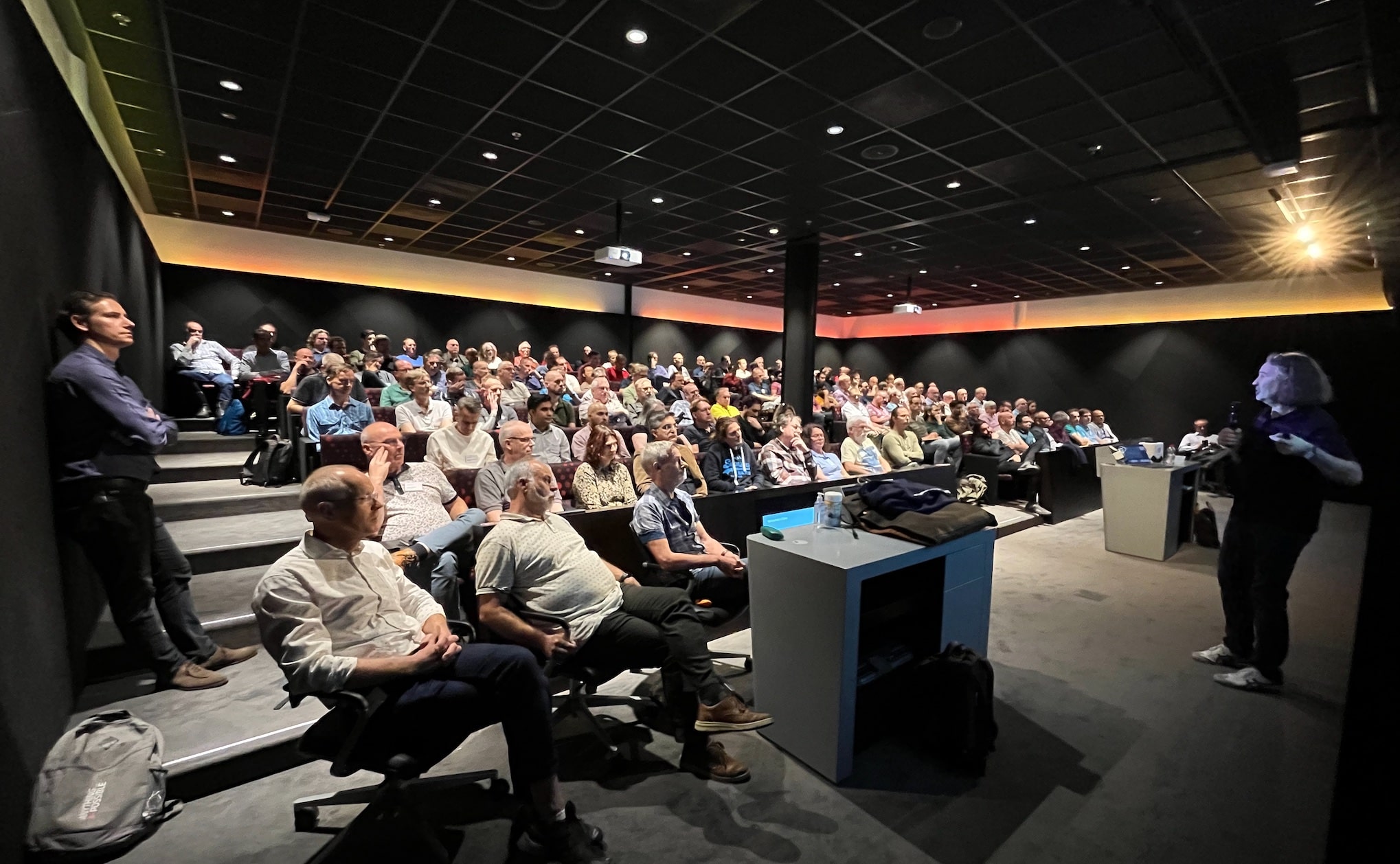
Yesterday, I had the pleasure of talking at the annual Danish Oracle User Group event. I want to share the slides and a few thoughts with you.

The event is part of the EMEA Community Tour, which continues today in Finland.

In Denmark, we had the pleasure of welcoming two guests from Italy. Traveling in Europe is easy, so why don’t you do like the two gentlemen from Italy? Find a user group event with an agenda of interest, book a flight, and enjoy the knowledge offered by our European communities.

Slides

Help! My Database Is Still On 8i!

Get the slides here.

This talk partly talks about the risk of old databases and how you can modernize; partly it is a walk down memory lane. If you don’t have any vintage database, it’s still worth flipping through the slides.

Patch Me If You Can

This was a no-slide zone, so there are no slides to share. But we did have an interesting talk about Datapatch and the ability to patch online.

Thank You!

The organizers of the event did a good job. Thank you for taking the time and effort pulling this together. Kudos!

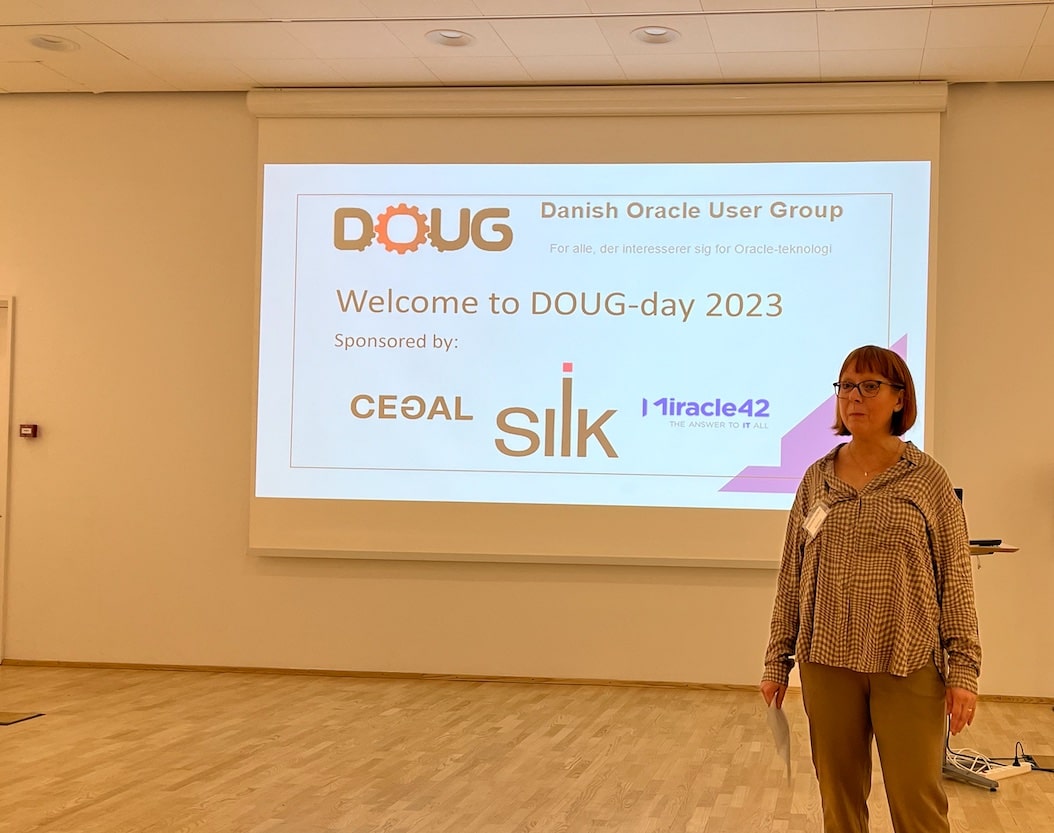
Thanks to the sponsors:

And to Oracle Denmark for hosting the event.

Become an ACE

We had several Oracle ACEs at the event in Denmark. If you also love to share knowledge, you should apply for the community. If you know somebody who deserves a nomination, you should nominate them for the Oracle ACE program.

If you need help getting started, many seasoned Oracle ACEs are offering assistance. The MASH program engages with new speakers and helps them get started – FOR FREE!

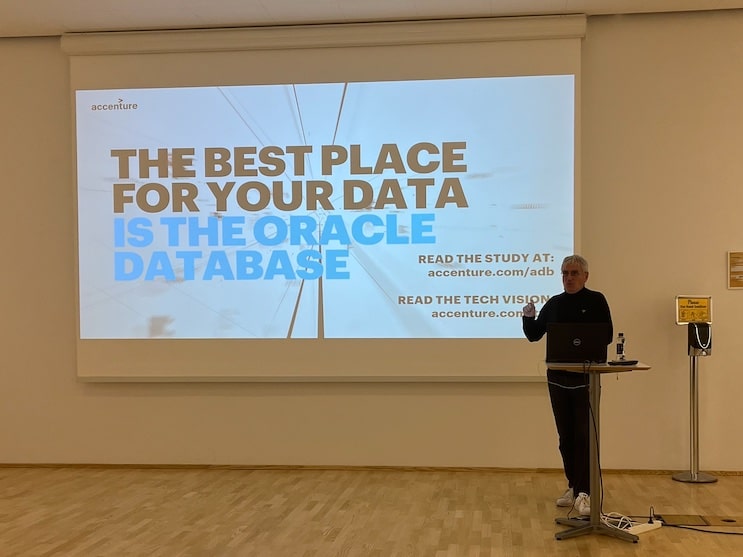
Jeannette Holland welcomes everyone to the event Julian Dontcheff on why you want to stay with Oracle Database Jeff Smith with insights into using Oracle ORDS and REST APIs