It’s a Wrap – DOAG 2023 Conference + Exhibition

Relaxing a bit after yet another exciting visit to Germany for the annual DOAG conference. The conference always delivers. Many great speakers and many interesting session. If you have yet to arrive, you should try it out. Even if you don’t speak German, there are so many English sessions. Don’t hesitate to visit next year.

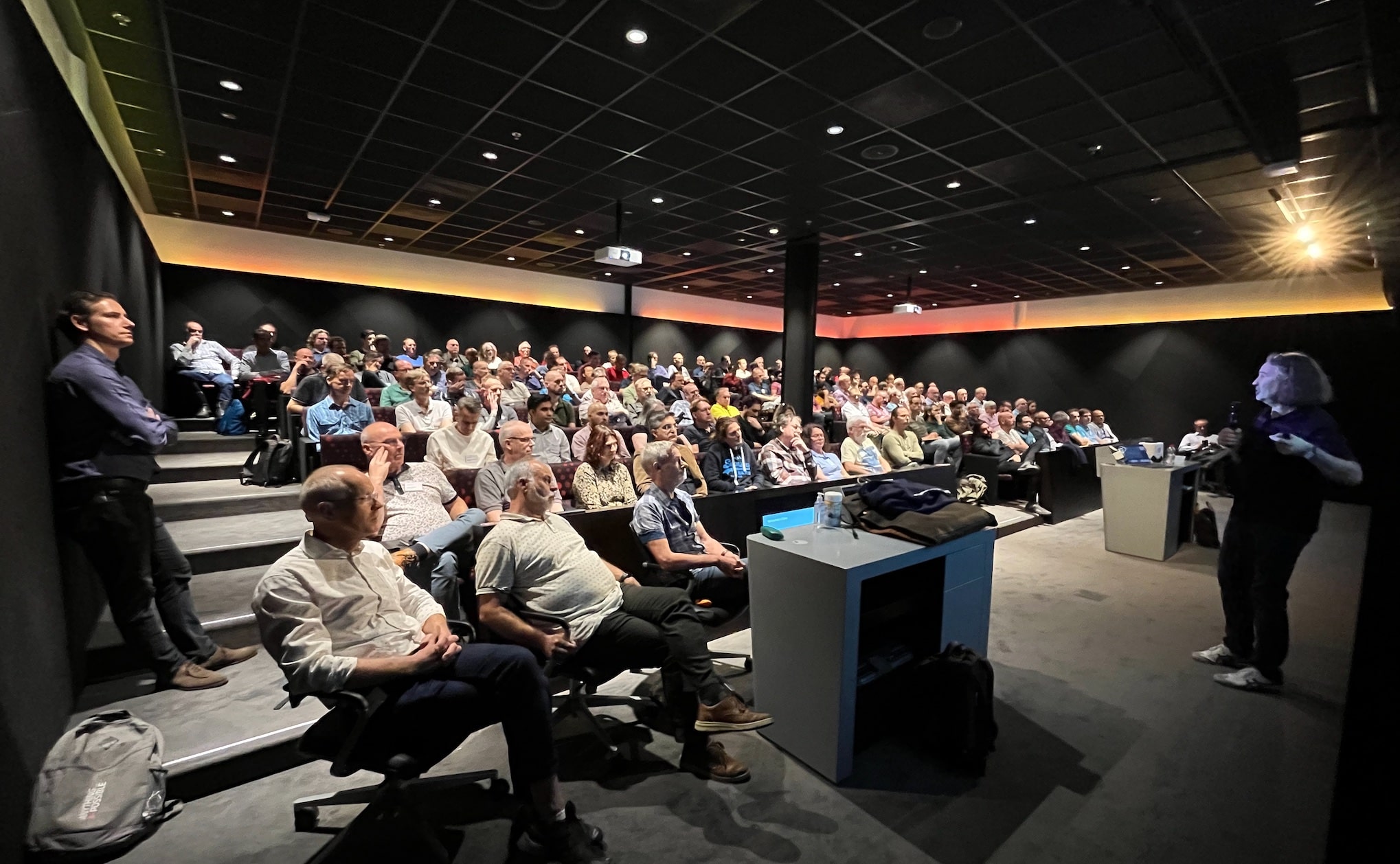
This year was slightly different, as all my sessions were with either Mike or Roy. I really enjoy presenting with other people. It brings extra energy into the session, and I’m sure the audience also feels it. When you also have a completely full room – even with a standing crowd also – that serves as additional motivation.

The Slides

Move to Oracle Database 23c – CDB-architecture migration on auto-pilot

The slides contain essential information for everyone who will work on upgrades to Oracle Database 23c and adopting the multitenant architecture.

Data Pump Best Practices, Secrets and Real World Scenarios

The slides give an overview of some new features and tips and tricks for troubleshooting in Data Pump. Finally, it describes how LOBs work in the database, why Data Pump might not deliver the expected performance – and what you can do about it.

Help! My Database Is Still on 8i!

What do product managers do when they find an empty slot at a conference? Of course, they quickly throw in another presentation. Which is what happened this year. We took the audience a walk down memory lane to the database of the previous millennium.

Thanks

Thanks to the organizers in DOAG. Again, the conference was a huge success. I enjoy coming here. This is a great conference. If you can’t go to Oracle CloudWorld this is a perfect second option.

Thanks to everyone who attended my sessions – especially those with all the good questions.

See you next year!

Pictures

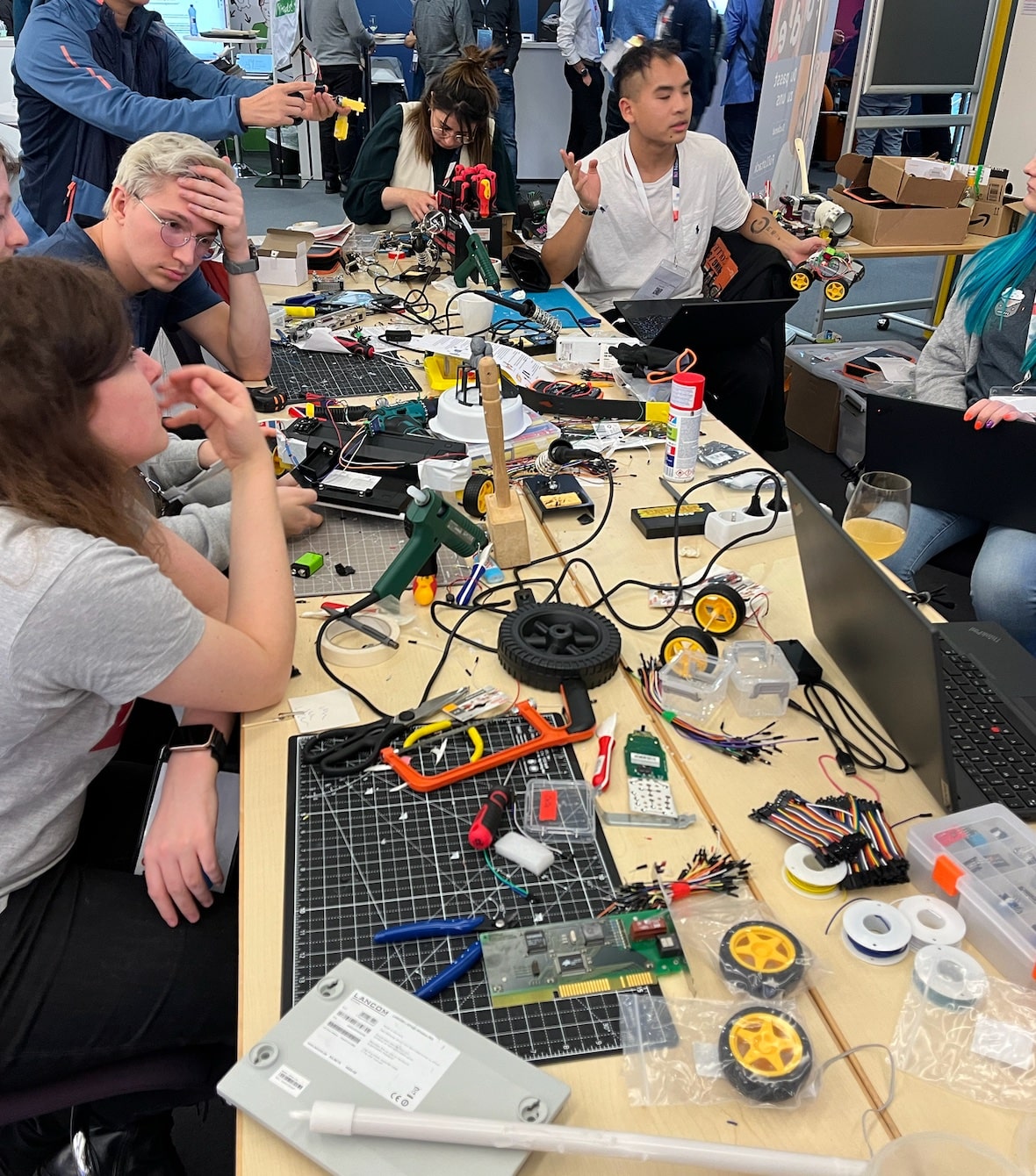
DOAG 2023 DOAG 2023 DOAG 2023 DOAG 2023 DOAG 2023 DOAG 2023

It’s a Wrap – UKOUG Conference ’23

I just finished my presentation at the UKOUG conference. This time, it was held at the Oracle office in Reading. Two intense days full of learning experiences.

It’s the 40th anniversary of UKOUG – that’s truly amazing. The community started when I was just a little child and still lives on today, what a change tech has undergone since then.

Congratulations to the board and the entire community on the 40th anniversary.

The Slides

Patch Me If You Can – Grid Infrastructure Edition

This is a modification of an existing talk about database patching, but mostly on Oracle Grid Infrastructure. But since Oracle Database and Grid Infrastructure go hand in hand, it also has some database stuff.

You should flip through the slides if you work with Oracle Grid Infrastructure. And remember – always patch out-of-place.

Help! My Database is still on 8i!

I also had the opportunity to close the conference with my 8i talk. I really like this talk because it is a walk down memory lane. Plus, it includes demos using Oracle 8i Database. It’s cool to be old school.

For a little laugh, you can find a comparison of Oracle Database releases and mobile phones of the same age.

Thanks

Thanks to the board of UKOUG and the organizers for pulling yet another successful conference. Thanks to the sponsors making it all possible and to everyone who attended my sessions or the conference in general.

It keeps impressing me how much you can learn in such a short time. My head is full. Luckily, the weekend is coming up.

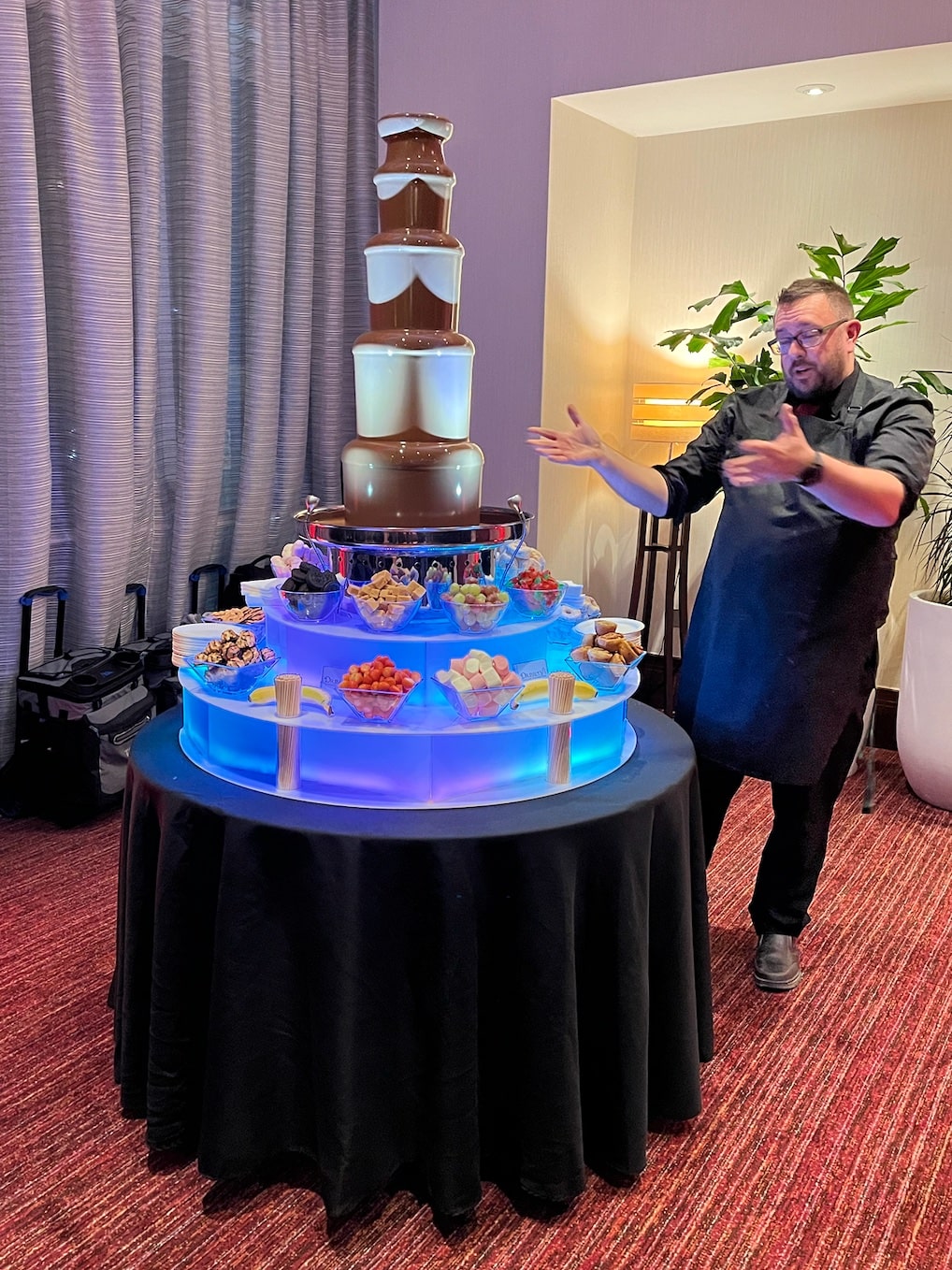
P.S. The chocolate fountain was amazing (see below)!

Pictures

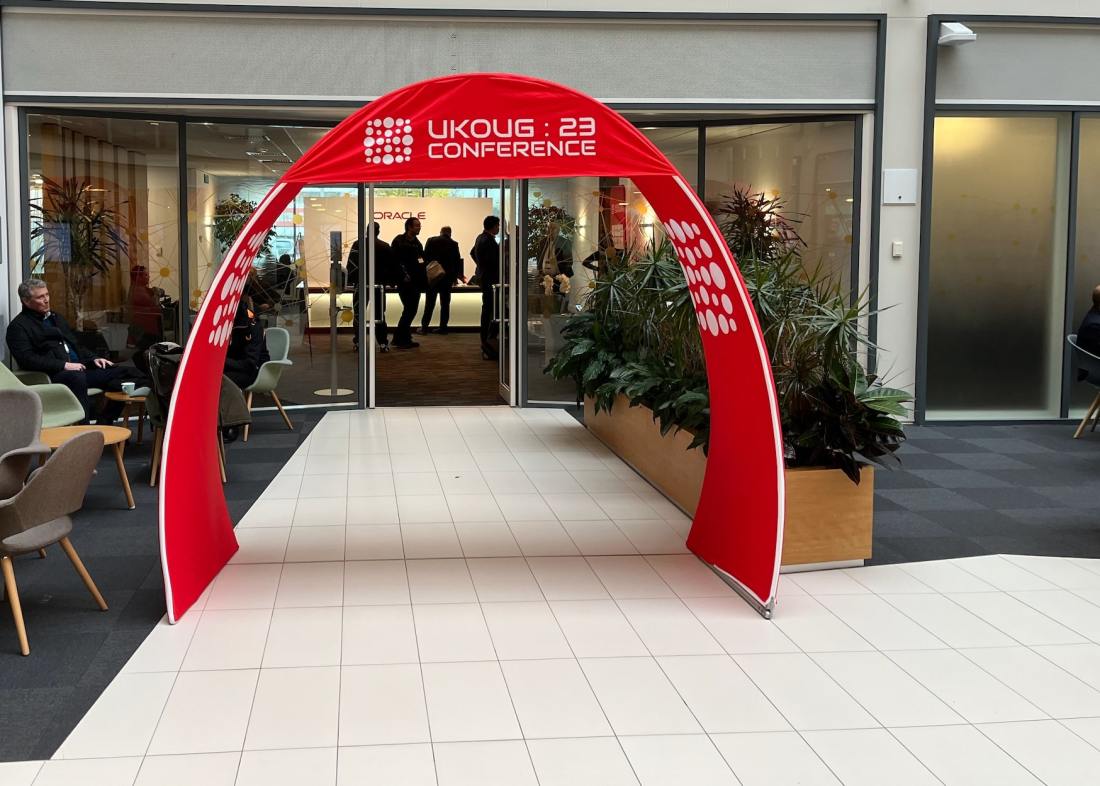
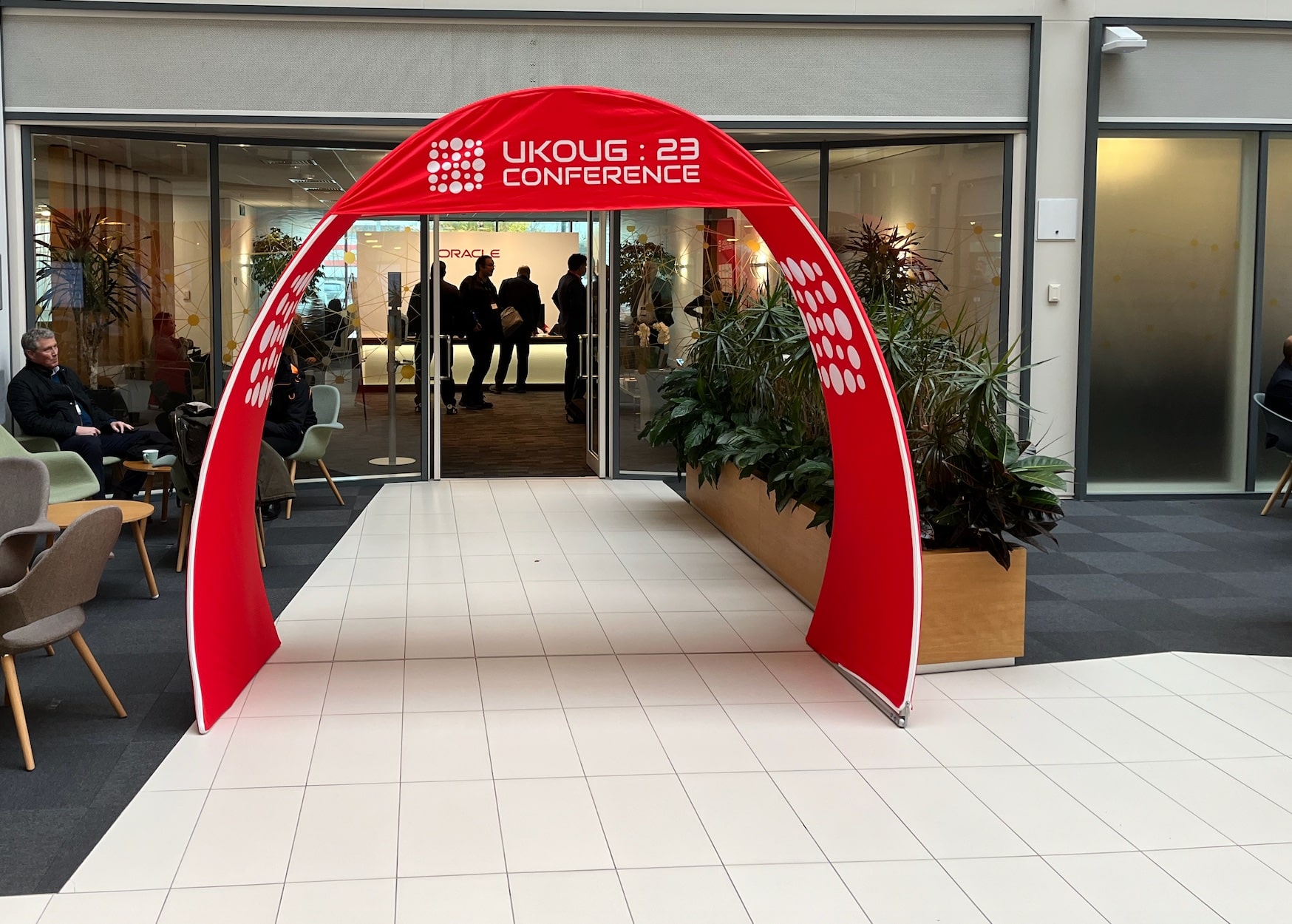
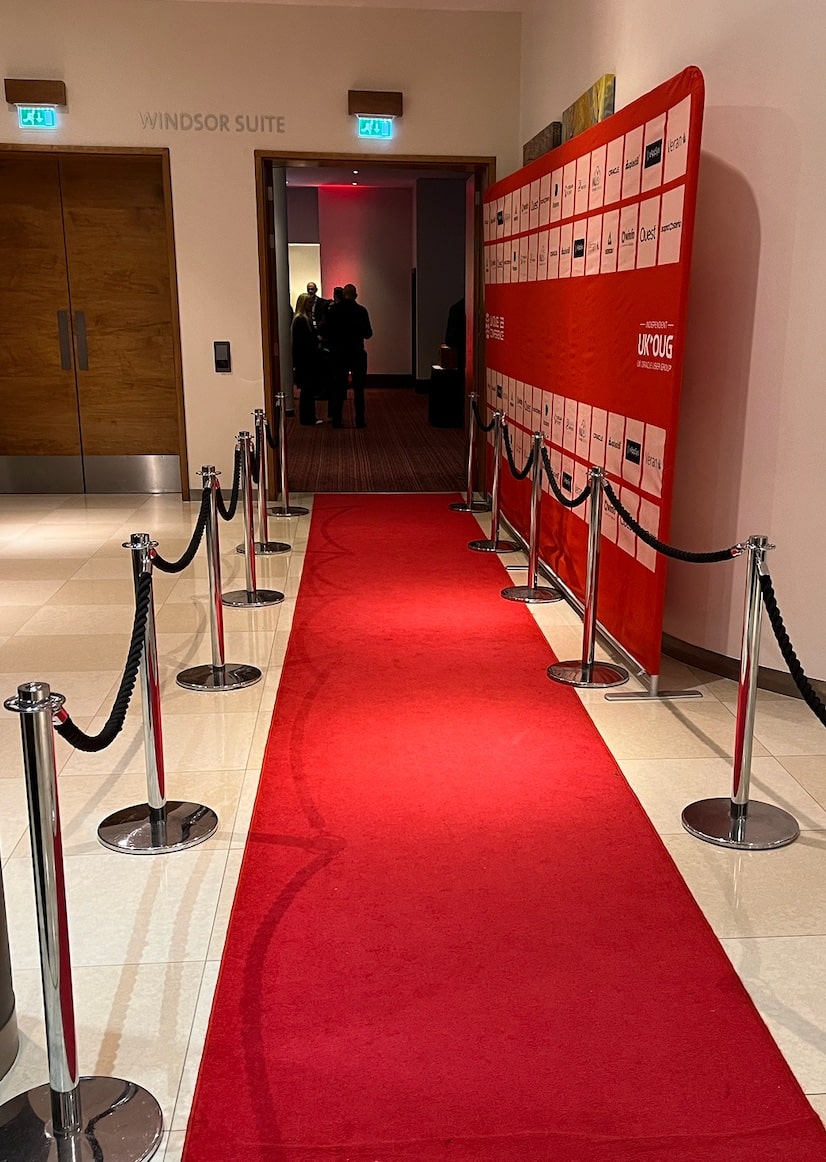
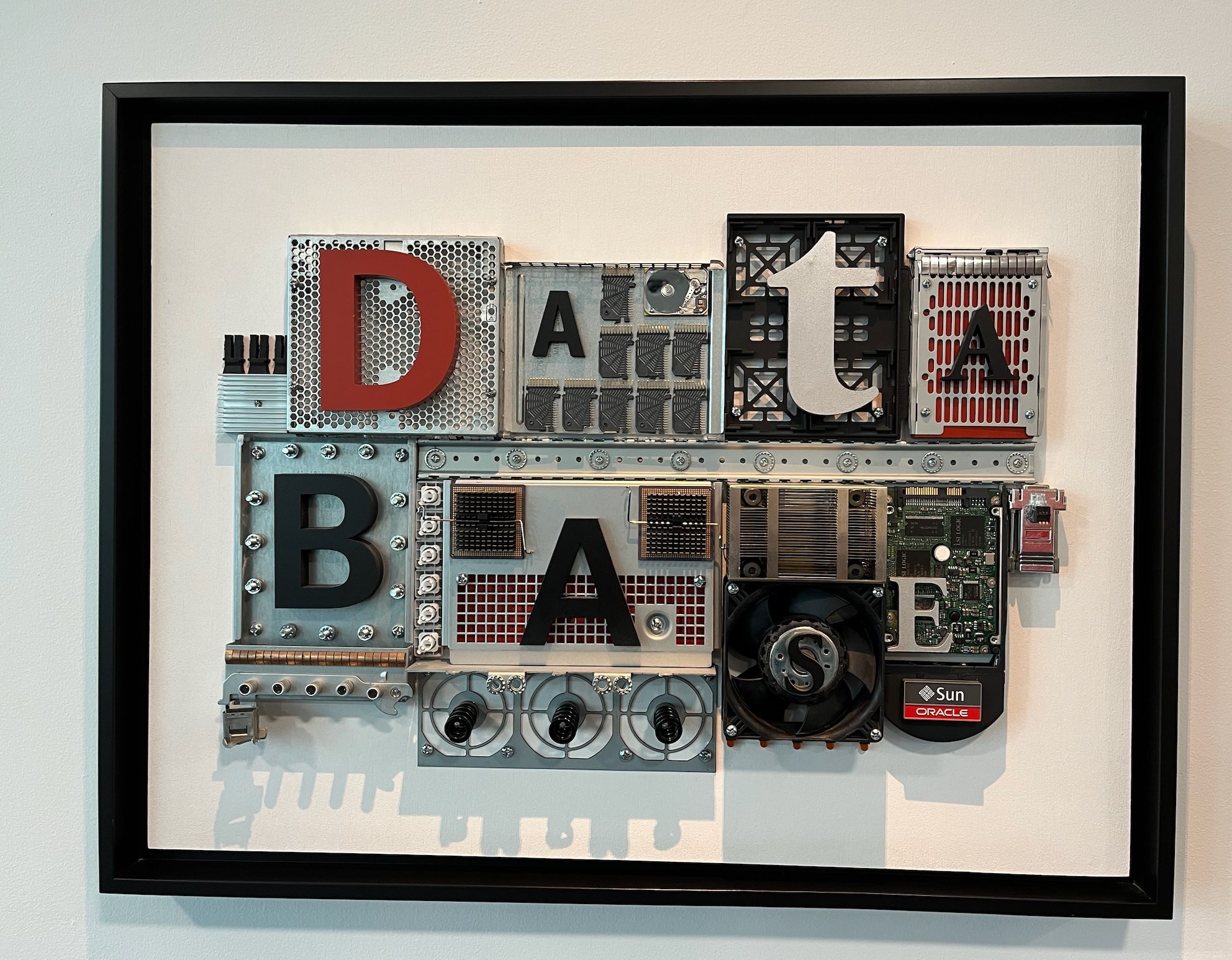
Welcome to UKOUG Conference '23 Presenting Patch Me If You Can - Grid Infrastructure Edition Red Carpet at the 40th Anniversary Celebration The Chocolate Fountain Cool art

Understand How a Change of Database Time Zone Affects Transportable Tablespaces

In a recent migration using full transportable export/import, I noticed a lot of time spent on the following SQL:

SELECT NVL((SELECT 2
            FROM   sys.ku$_all_tsltz_tables 
            WHERE  owner = :1 AND table_name = :2), 0) 
FROM   sys.dual

The SQL ID was g3qu7py3g0yg0. Each execution of the SQL was a few seconds, but Data Pump executed the statement many times.

Data Pump also wrote in the log file that the database timezone differed:

01-NOV-23 07:43:22.152: W-1 Source time zone is +00:00 and target time zone is -07:00.

The following applies to full transportable export/imports using the following Data Pump parameters:

full=y
transportable=always

What Happens?

In a full transportable import, if the database time zone is different, Data Pump translates any data of type Timestamp with local timezone (TSLTZ) to the new database timezone.

On startup, Data Pump detects the difference in the source and target database timezone. For each table Data Pump checks whether it must convert data. If needed, the data is converted from the source database timezone and stored in the target database timezone.

The check and conversion takes time. This is the price you must pay to change the database timezone on import.

Alternatively, you must import into a database with the same timezone. Then Data Pump completely skips the check and conversion.

In the migration, we could save 22 minutes on import by importing into the same database time zone.

Changing the Database Timezone

You can find the database timezone using:

select dbtimezone from dual;

If you don’t have any tables with TSLTZ columns, you can change the database timezone:

alter database set time_zone='+00:00';
shutdown immediate
startup

The database timezone affects only:

  • TSLTZ columns
  • Function CURRENT_DATE
  • Function CURRENT_TIMESTAMP
  • Function LOCALTIMESTAMP

If you don’t use any of the above, it should be safe to change the database timezone.

Columns of type Timestamp with timezone (TSTZ) and the database timezone file (v$timezone_file) are totally unrelated to the database timezone.

Full Transportable vs. Traditional Transportable

In a traditional transportable import, Data Pump does not import tables with columns of type TIMESTAMP WITH LOCAL TIME ZONE (TSLTZ). You must move such tables using a regular Data Pump import.

As mentioned above, a full transportable export/import Data Pump translates the data to match the new database timezone.

Other Blog Posts in This Series

How to Connect SQL Developer to a Base Database Service Using SSH Tunnel

Here is a quick guide showing you how to connect SQL Developer running on your computer to a Base Database Service in Oracle Cloud Infrastructure. The Base Database Service does not allow connections from the outside except SSH. So, you can use an SSH tunnel.

Create SSH Connection

  1. First, you start SQL Developer on your computer (of course, the latest version). Go to the View menu, and select SSH.
  2. To the left you now find the SSH Hosts panel, right-click and choose New SSH Host.
  3. Enter the following information and click OK:
    • Name: Give it a meaningful name.
    • Host: The public IP address of your Base Database Service.
    • Username: Set it to oracle.
    • Use key file: Tick it off and select your private key file.
    • Add a Local Port Forward: Tick it off.

Configure SSH host connection in SQL Developer

Create Database Connection

  1. In the Connections panel, click on the plus icon to create a new connection.
  2. Enter the following information:
    • Name: Give the database connection a meaningful name.
    • Supply a set of user credentials (Username, Password, Role).
    • Connection Type: Set it to SSH.
    • Port Forward: Select the SSH connection you just created.
    • Service name: The fully qualified service name (use lsnrctl status to find it).
  3. Click Test to ensure the connection works. If you get an error, jump to the troubleshooting part.
  4. Click Save and Connect.

Define connection in SQL Developer to connect using SSH tunnel

That’s it!

Now you can connect to your OCI instance from SQL Developer on your own computer.

Remember to use the latest version of SQL Developer to get access to all the goodies.

For Production?

It’s very unusual for a production database to have a public IP address. In a more secure environment, this is a safer approach.

Troubleshooting

IO Error: Got minus one from read call

IO Error: Connection reset by peer

Vendor code 17002

I have run into this a few times. I haven’t found the root cause (yet), but this usually works for me:

  1. Stop the listener and take a backup of listener.ora:
    lsnrctl stop
    cp $ORACLE_HOME/network/admin/listener.ora $ORACLE_HOME/network/admin/listener.ora2
    
  2. Remove all references in listener.ora to the listener called LISTENER:
    vi $ORACLE_HOME/network/admin/listener.ora
    
    • LISTENER=(DESCRIPTION=(ADDRESS_LIST=(ADDRESS=(PROTOCOL=IPC)(KEY=LISTENER))))
    • ENABLE_GLOBAL_DYNAMIC_ENDPOINT_LISTENER=ON
    • VALID_NODE_CHECKING_REGISTRATION_LISTENER=SUBNET
  3. Restart the listener:
    lsnrctl start
    
  4. Connection from SQL Developer should work now.
  5. Now comes the odd part. Add the parameters back into listener.ora and restart:
    vi $ORACLE_HOME/network/admin/listener.ora
    
    lsnrctl stop
    lsnrctl start
    
  6. The connections should still work.

Why Are You Not Using Bigfile Tablespaces?

Recently, I worked on two cases that could be solved using bigfile tablespaces.

Bigfile tablespaces have been around for ages but are typically not the default. If you use the CREATE TABLESPACE command and don’t specify a tablespace type, you will probably get a smallfile tablespace.

In a smallfile tablespace in an 8k block size database, each data file can only be 32 GB. For a huge tablespace – double-digit TB – you end up with many files. In a bigfile tablespace, there is only one data file, but it can grow up to 32 TB. Further, Oracle Autonomous Database comes with bigfile tablespaces.

Frustrated over the problems with smallfile tablespaces, I wanted to understand the reluctance to use bigfile tablespace.

I asked around: Why are you not using bigfile tablespaces?

The Answers

They Take a Long Time to Back Up

True, unless you use multisection backups. If so, multiple channels can work on the same data file and you should not see performance bottlenecks on bigfile tablespaces.

It’s very simple to perform multisection backups. Simply add the section size clause to the RMAN backup command.

RMAN> backup database ... section size 30G ...

Recovering a Bigfile Data File Is a Pain

If you accidentally delete a bigfile data file, it is very time-consuming to restore it. It could be huge – potentially 32 TB. In contrast, if you delete a smallfile data file, it is much smaller – maximum 32 GB.

How often do you accidentally delete a data file? OK – some of us might know a horror story from back in the days – but it is very rare.

Should it happen, you can switch to your standby database while restoring the data file.

Plus, if you use Oracle Automatic Storage Management (ASM), you can’t accidentally delete a data file. If a data file is in use by a database, you can’t delete the file in asmcmd.

Incompatibility With File System

I know at least one operating system, which, in older versions, had a maximum limit of files of 16 TB. This is no longer a problem in modern operating systems. Nor is it a problem if you use ASM.

Someone even claimed it was the case in certain tape systems, although I couldn’t verify it.

It’s Always Been Like This

In the old days, I understand why you would want to use smallfile tablespaces. But not anymore. The downsides don’t exist anymore.

But, it’s hard to migrate to bigfile tablespaces!

No, it is not.

In recent versions of Oracle Database, you can move tables into a new tablespace without downtime. The same applies to indexes which you can rebuild into a new tablespace. It’s all online operations. No downtime, no interruptions!

LOB segments might be a little more tricky. DBMS_REDEFINITION could be a solution.

Some of these options require additional licenses. Always check the license guide before you start to use a new feature.

Still, I do understand that for existing databases, you don’t want to migrate. But for new tablespaces and new databases, I’d always go with bigfile tablespaces.

Let Me Know

I don’t see a reason for using smallfile tablespaces anymore.

But I’m curious. Why are you not using bigfile tablespaces? Please leave a comment with your reason or concern.

By the way – usually, an Oracle Database can hold only a certain amount of data files. When you start to go into Petabytes, you’ll need bigfile tablespaces.

Updates to Blog Post

The More Data Files, the Longer Switchover Time

Ludovico Caldara, the Data Guard PM, pointed out on LinkedIn, that the more data files you have, the longer a Data Guard switchover takes.

Contention When File Expands

dbroots left a comment referencing this MOS note: Alter Tablespace Resize on Bigfile Tablespace Causes Sessions to Hang with ‘Enq: TX – contention’ and ‘Buffer busy waits’ (Doc ID 2089689.1).

For very busy systems, you might see a short wait event while the data file expands in a bigfile tablespace. If it becomes too big a problem, you need to expand your data file in off-peak periods.

Further Reading

It’s a Wrap – Real World Database Upgrade and Migration to 19c and 23c

Here is a short post about the workshops I did with Mike Dietrich in Brussels and Utrecht on Real World Oracle Database Upgrade and Migrations 19c and 23c.

The Slides

The slide deck is a goodie bag full of tech content. Even if you didn’t participate, there is something of interest.

Slide deck from Real World Oracle Database Upgrade and Migrations 19c & 23c

Questions

The audiences in our workshops were amazing, and we got many good (and challenging) questions. Here is a follow-up on those we couldn’t answer.

SQL Plan Management on Standby Databases

On an Active Data Guard, SQL Plan Management (SPM) is active and will help the optimizer select only validated execution plans.

However, SPM cannot create new baselines nor perform any form of evolution. SPM stores its information in the SQL Management Base in the SYSAUX tablespace. Since a standby database is open in read-only mode, such features are disabled.

You need to capture and evolve plans on the primary database.

Exporting BasicFile LOBs

I just blogged about a trick that you can use to speed up export of BasicFile LOBs.

Refreshable Clone PDBs

We also explained how to use refreshable clone PDBs to migrate non-CDBs into PDBs. Here is a video which shows a little more details.

Hands-On Labs

Remember, you can try many of the features mentioned in our Hands-On Labs.

  • It’s free
  • It runs in a browser
  • Nothing to install

It’s better to fail in our lab than in production!

Thanks

Thanks to the excellent audience in Brussels and Utrecht. It was a pleasure talking tech with you.

My favorite moment was when someone wanted Mike to sign an original, sealed Oracle7 box. That’s cool.

If you would like a similar workshop in your neighborhood, take hold of your local Oracle office.

Workshop in Brussels and Utrecht Real World Oracle Database Upgrade and Migrations 19c & 23c

It’s a Wrap – Danish Oracle User Group Day

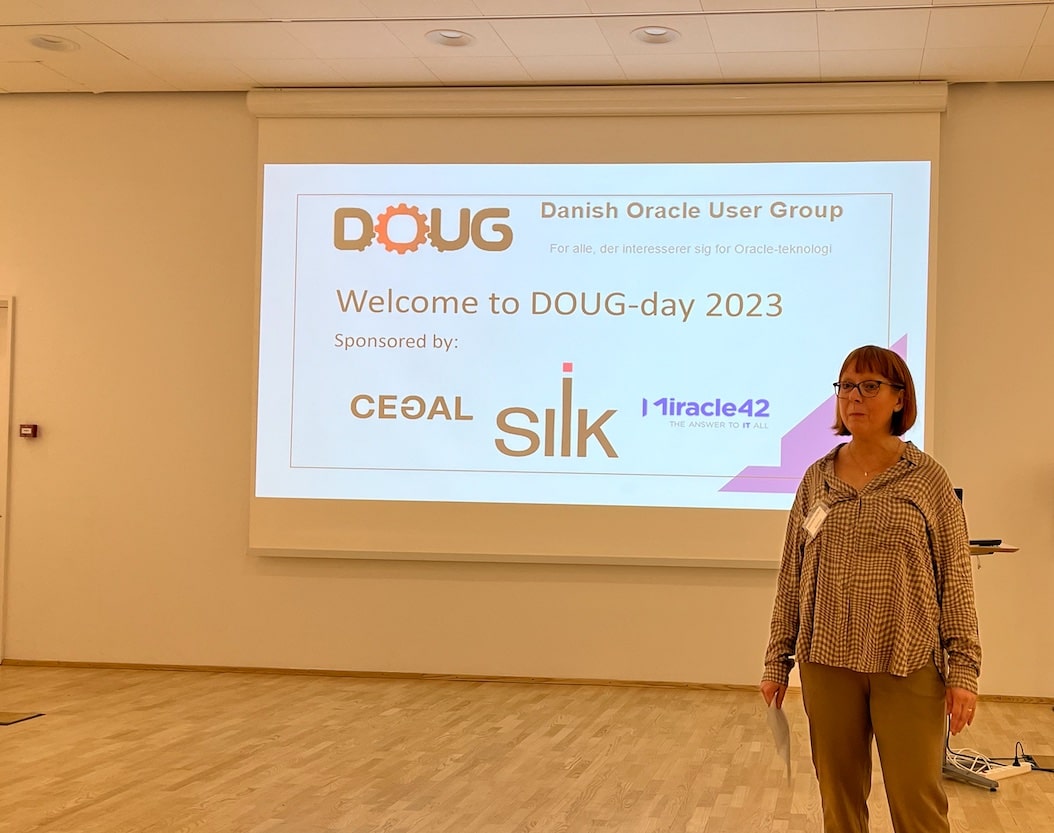
Yesterday, I had the pleasure of talking at the annual Danish Oracle User Group event. I want to share the slides and a few thoughts with you.

The event is part of the EMEA Community Tour, which continues today in Finland.

In Denmark, we had the pleasure of welcoming two guests from Italy. Traveling in Europe is easy, so why don’t you do like the two gentlemen from Italy? Find a user group event with an agenda of interest, book a flight, and enjoy the knowledge offered by our European communities.

Slides

Help! My Database Is Still On 8i!

Get the slides here.

This talk partly talks about the risk of old databases and how you can modernize; partly it is a walk down memory lane. If you don’t have any vintage database, it’s still worth flipping through the slides.

Patch Me If You Can

This was a no-slide zone, so there are no slides to share. But we did have an interesting talk about Datapatch and the ability to patch online.

Thank You!

The organizers of the event did a good job. Thank you for taking the time and effort pulling this together. Kudos!

Thanks to the sponsors:

And to Oracle Denmark for hosting the event.

Become an ACE

We had several Oracle ACEs at the event in Denmark. If you also love to share knowledge, you should apply for the community. If you know somebody who deserves a nomination, you should nominate them for the Oracle ACE program.

If you need help getting started, many seasoned Oracle ACEs are offering assistance. The MASH program engages with new speakers and helps them get started – FOR FREE!

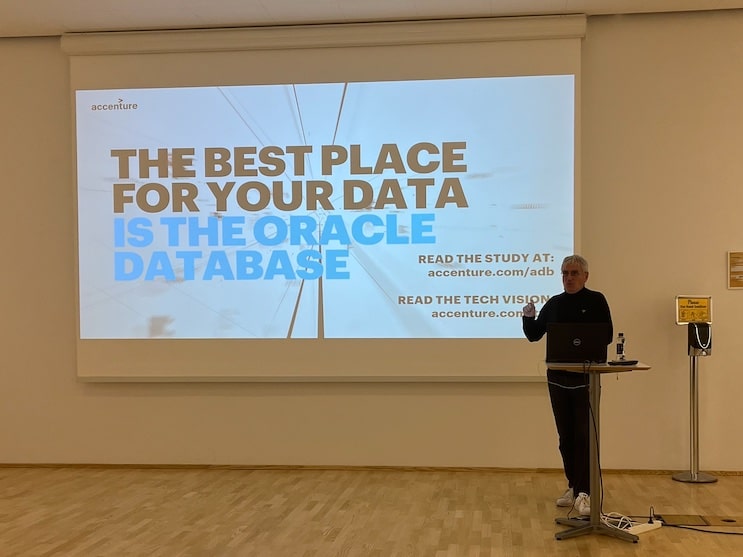
Jeannette Holland welcomes everyone to the event Julian Dontcheff on why you want to stay with Oracle Database Jeff Smith with insights into using Oracle ORDS and REST APIs

It’s a Wrap – Oracle DatabaseWorld at CloudWorld 2023

I’m on my way back from Oracle DatabaseWorld at CloudWorld 2023. It’s been such a great week. I’ve met old friends and made new ones. I love being amongst our customers and helping them use the Oracle Database in the best possible way.

Slides

If you are curious, here are the slide decks from our sessions.

Try Our Hands-On Labs

This year, we had three hands-on labs. Two of them were brand-new and had their premiere:

Plus, we introduced a revamped version of our upgrade lab:

You can run all our labs in Oracle LiveLabs – FOR FREE! All it takes is a browser.

Cool Stuff

A while ago, we introduced ORAdiff. It’s a really cool tool that tells the difference between two releases or patch sets. Use it before you patch or upgrade. It’s completely free – just log on with your Oracle accont.

Thanks

Thanks to my team: Roy, Mike, Rodrigo and Bill. All the content we deliver is a geniune team effort.

Thanks to the organizers. They worked hard in the background, so we enjoy a well-organized conference. Especially thanks to Kay Malcolm and her team for organizing Oracle DatabaseWorld.

Thanks to you – our valued customer – for coming to our conference and engaging with us.

What’s Next

With great pleasure, I can share that we expanded the Oracle CloudWorld Tour. We will be visiting eight cities at the beginning of 2024. Stay tuned!

I hope to see you next year at Oracle CloudWorld, September 9-12 2024.

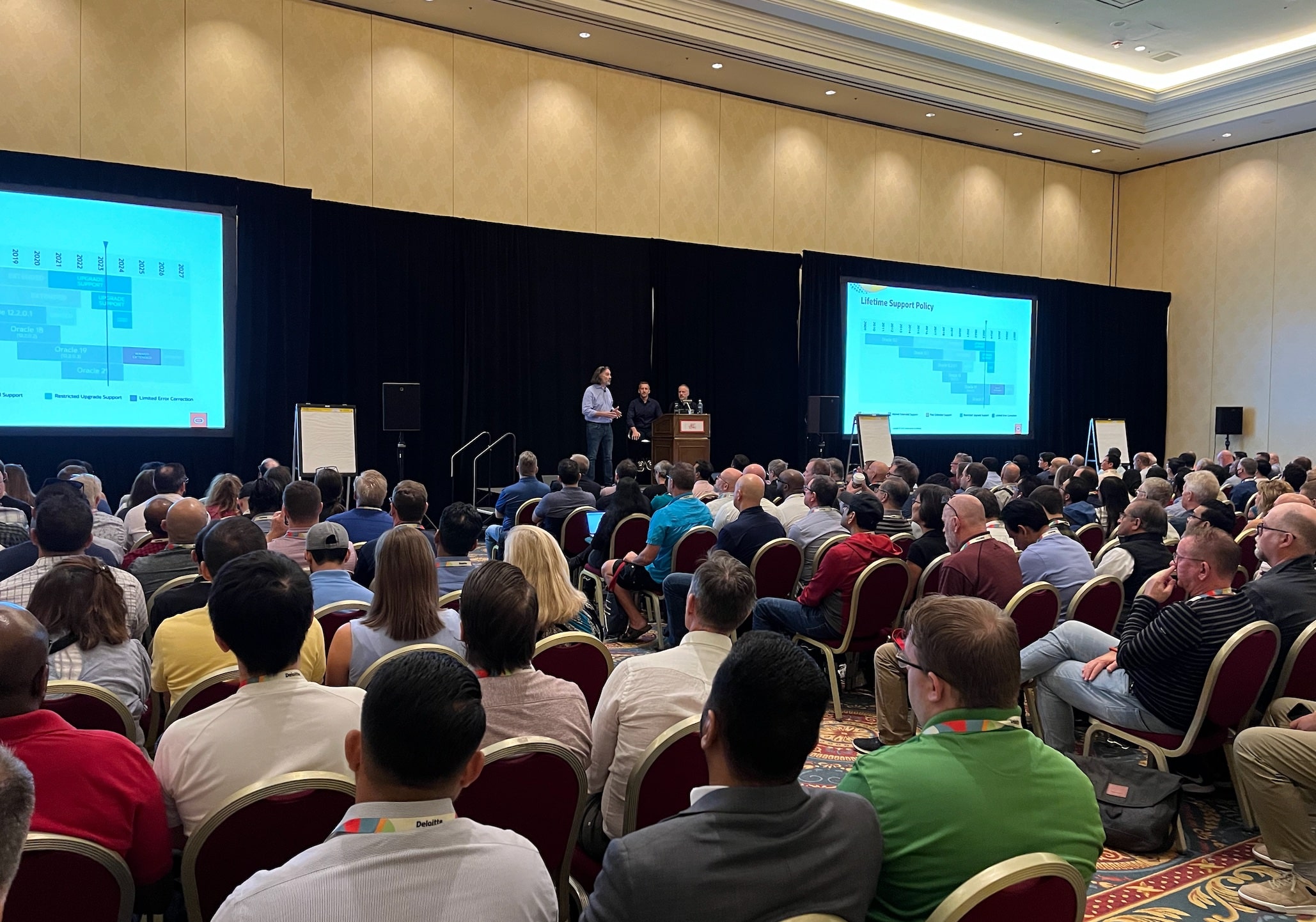
Banners at Oracle DatabaseWorld at CloudWorld The CloudWorld party Oracle Redbull Racing Audience at upgrade talk

Sign up for Our Sessions at Oracle DatabaseWorld at CloudWorld

The content catalog for this year’s Oracle DatabaseWorld at CloudWorld is now ready. Overall there are more than 1.000 sessions, and almost 300 of those are strictly database related.

You can now start to add sessions to your schedule. I suggest that you hurry up and get started. Some of the sessions will for sure sell out quickly, especially the hands-on labs.

Sign up before it’s too late!

I have created an overview of all the sessions hosted by Database Upgrade, Migration and Patching. If you enjoy sessions by Mike Dietrich, Rodrigo Jorge, Roy Swonger or Bill Beauregard, add all of them to your schedule.

My Sessions

Best Practices for Upgrade and Migration to Oracle Database 23c

Usually, our most popular talk. What are the best practices for upgrading your Oracle Database and which of those best practices apply to database migrations as well? In Oracle Database 23c, you must migrate to the multitenant architecture; we will also discuss this. Presenting with us is Marco Oberli from Postfinance in Switzerland. They made some cool automation to upgrade their databases and allow users to provision copies for test and developer with the click of a button.

Link

No-Slide Zone – Database Patchings Insights

No slides at all – it’s an open discussion about patching Oracle Database and Grid Infrastructure. Bring all your questions, and together we will work it out. This is definitely my personal favorite. I always learn so much from all these great questions and discussions. Plus, it’s usually a lot of fun.

Link

Help! My Database Is Still on 8i!

We are often involved in migrations of really old databases. Not just 11g or 10g. Even older! Recently we had a question about Oracle7. We have demos to show how to migrate from those old databases. Also, we spin up an Oracle 8i database. Do you remember how to connect? How to take a backup? Finally, we dig into our archives and find a few horror stories. On stage is also Julian Dontcheff from Accenture. He also has some horror stories to share.

Link

Upgrade and Migrate to Oracle Database 19c and 23c the Easy Way

Our all-time favorite hands-on lab got an overhaul for this year’s event. If you are afraid of plan changes after an upgrade, come to this session. You will learn how to avoid that and keep your users happy. Also, we will guide you to upgrade and migrate your databases.

Remember to bring your laptop

Link

See You There

I really hope to see you at Oracle DatabaseWorld at CloudWorld. Remember to come by our demo booth and have a talk about Oracle Database.

We have so many exciting things to share. It’s a shame to miss out on the greatest Oracle Database event of the year.

A Rare Insight Into the Oracle Database Development Process

Have you ever wondered why Oracle didn’t include your bug fix in the next Release Update? Or what good is it that your bug is fixed in 23.1 when Oracle Database isn’t released yet?

We’ll explain this – and much more in our next webinar.

  • Episode 17: From SR to Patch June 22, 2023, 16:00 CEST

Oracle Database 19c Upgrade Virtual Classroom

Mike and I will show you what happens behind the scenes, from opening a service request to the final delivery of a fix. This is your rare chance to get insights into the Oracle Database development process from insiders. And even if you are a long-time Oracle expert, you will still learn something new.

You can sign up here.

But I Can’t Make It

Don’t worry. As usual, we will publish the recording on our YouTube channel and share the slides with you. Keep an eye out on my Webinars page. On the same page, you can also watch all previous webinars and get the slides.

But it’s better to watch it live. You can ask questions to us live. I promise you; we won’t leave until we have answered all your questions.

All Tech, No Marketing

Remember, our mantra is: All tech, no marketing.

I hope to see you there!